

The gap between what you know and what Appster knows
Every time you ask Appster for help, there's a translation step. You describe your tables, recall column names from memory, try to explain how your references connect.
Details get lost. Column names get misspelled. That formula you're troubleshooting? Appster has never actually seen it.
App-Bridge closes that gap.
-0_qqFfQ4C-transforme.png)
A Chrome extension that gives Appster eyes on your app
One click captures your app's full configuration — tables, columns, formulas, validation rules, references, slices, actions, views, and automations. App-Bridge makes it all available to Appster before you type your first question.
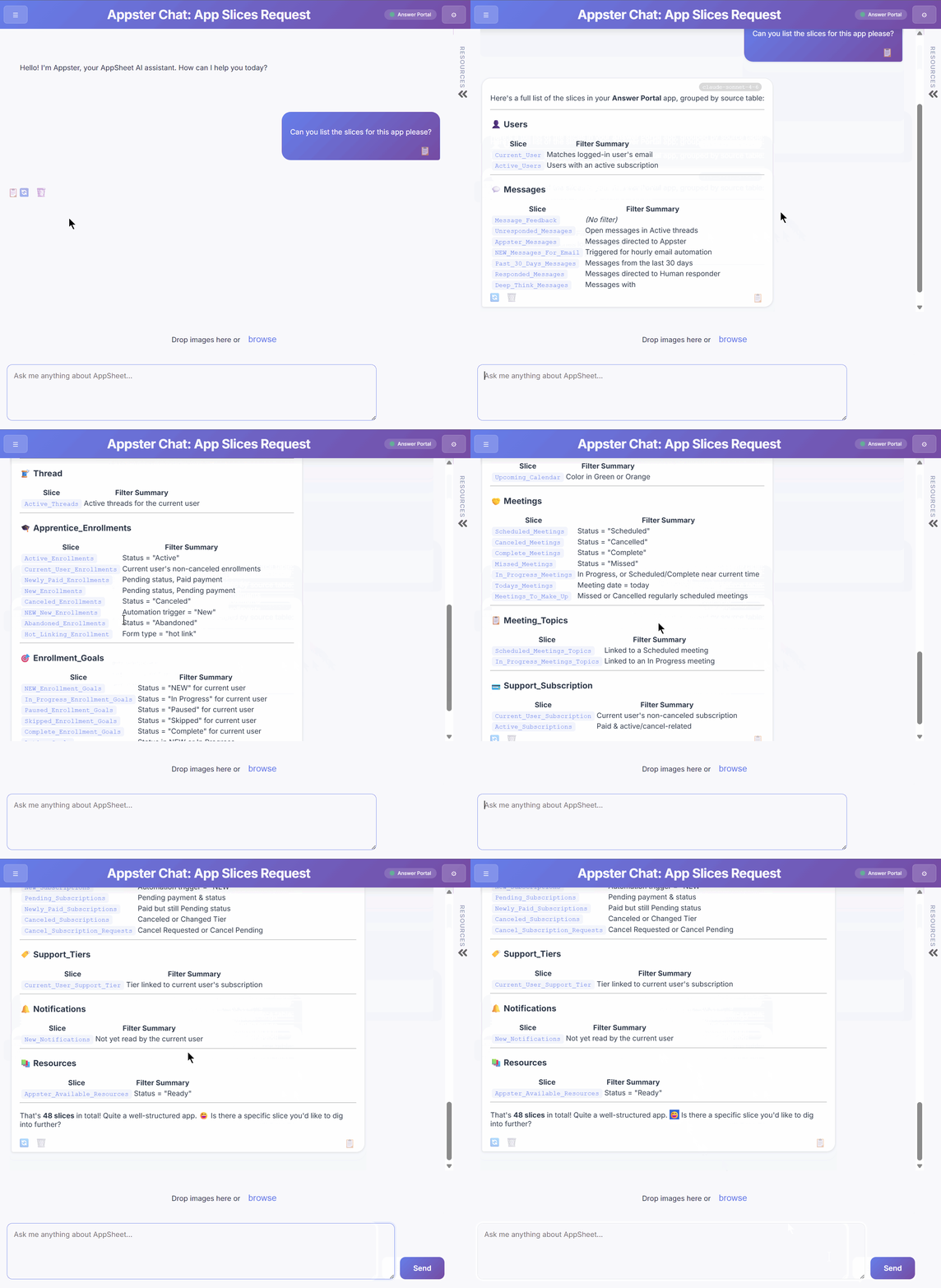
Live App Context
Tables, columns, column types, formulas, validation rules, references, slices, actions, views, and automations — all captured in real time with one click.
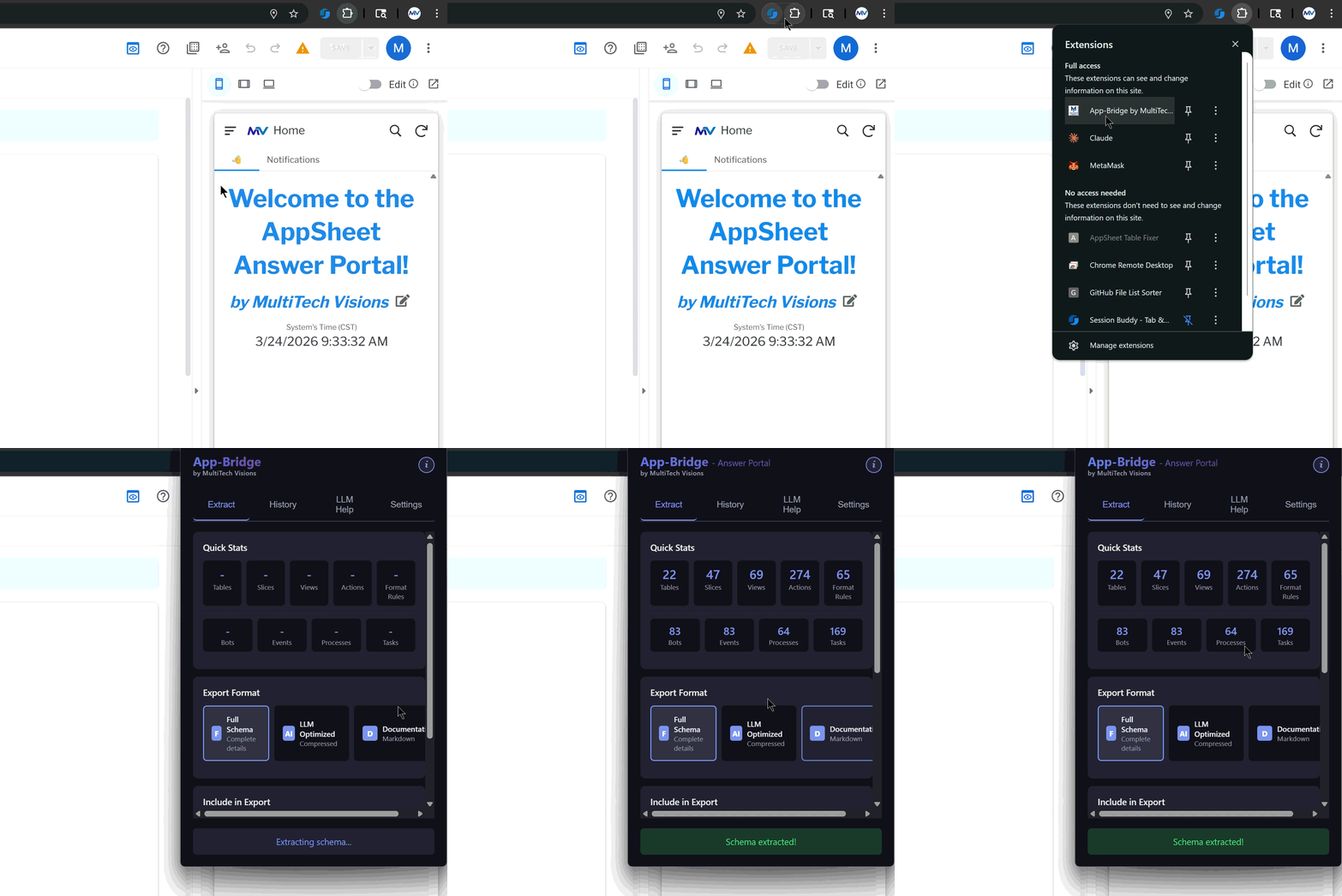
Works Inside the Editor
Works directly inside the AppSheet Editor. Open your app, click the extension, it will automatically Extract — and App-Bridge does the rest.
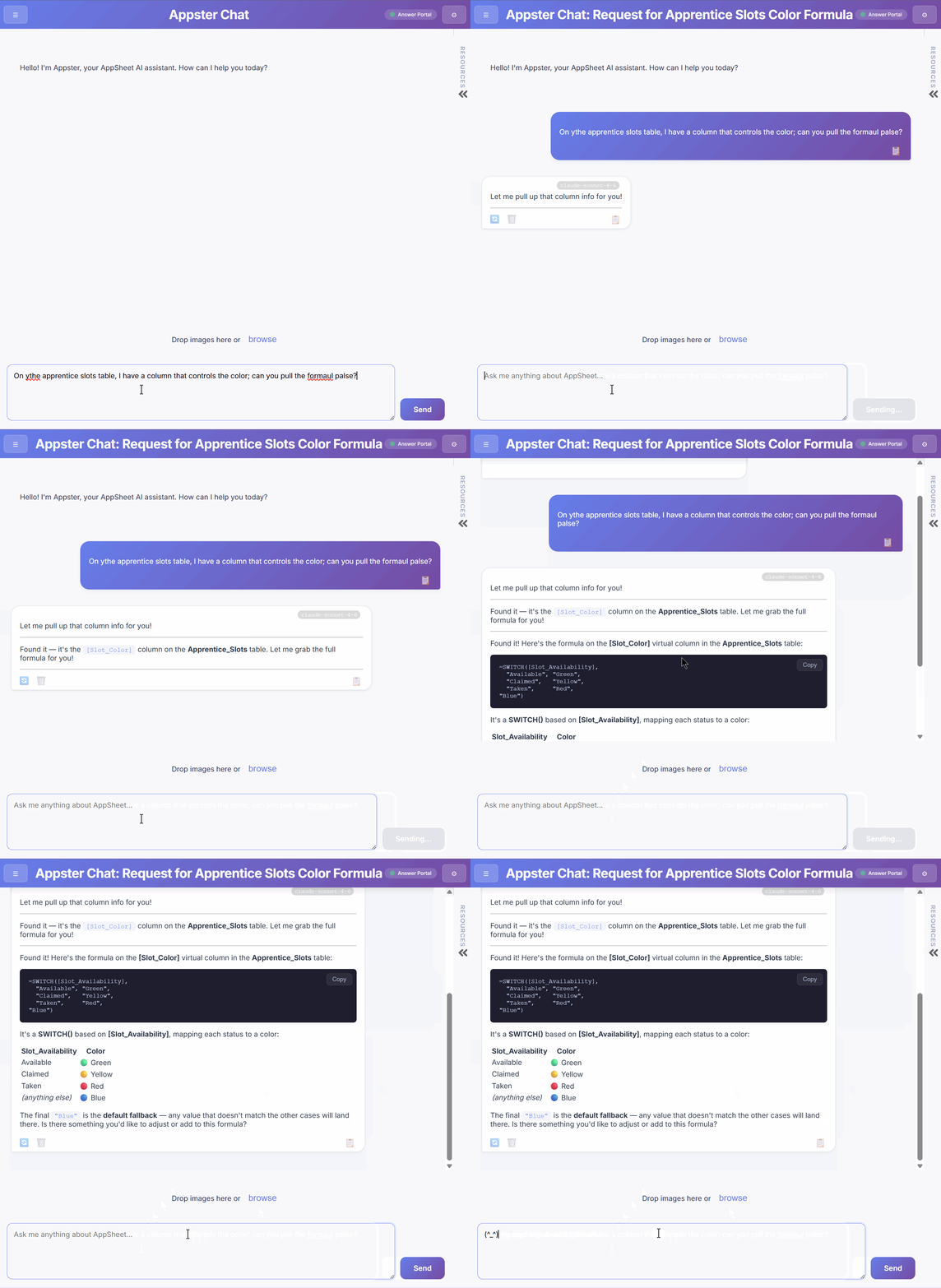
Appster Reads. You Don't Describe.
Appster reads your real expressions — column names, formulas, references — directly from your app configuration, in real time.
What Appster can do when it's connected
01
Look Up Column Names & Types
02
Inspect Formulas & Validation Rules
03
Trace References Across Tables
04
Search Your Entire App by Keyword
05
Diagnose Before You Describe the Problem
∞
So much more...

What Appster can see when App-Bridge is connected
Tables
-
List all tables in your app
-
Inspect table settings (source type, update mode, data access, permissions)
Slices
-
List slices per table
-
Inspect slice filter expressions, update mode, included columns, row conditions
Formatting Rules
-
List formatting rules per table
-
Inspect conditions, columns being formatted, highlight color, text color, icon, styling flags
Automations
-
List bots per table
-
Inspect bot event type, trigger condition, and full task chain
-
Inspect individual process nodes and step configurations
-
Inspect individual task details end-to-end
Full-App Search
-
Keyword search across all tables, columns, slices, actions, views, and automations simultaneously
Columns
-
List all columns per table
-
Inspect column type, formula, app formula, display name, read-only/required/hidden/key flags
-
Inspect validation rules: Valid_If, Required_If, Editable_If, Show_If, Default, Suggested Values, Min/Max
Views
-
List views per table
-
Inspect view type, Show_If conditions, parameters, tab settings, menu order
Actions
-
List actions per table
-
Inspect action type, condition, scope, target column, confirmation settings
Live Editor Context (reads directly from the open AppSheet editor tab — no extraction needed)
-
Read whatever text is currently selected in the editor
-
Read the formula currently open in the formula editor
Raw Schema Navigation
-
Browse any path in the raw app template
-
List keys, get values, inspect structure at configurable depth
-
Scoped search within AppData, Presentation, or Behavior subtrees

Set up in under a minute
1. Install — Add App-Bridge from the Chrome Web Store. It's free.
2. Extract — Open your app in the AppSheet editor and click the extension. One click captures everything.
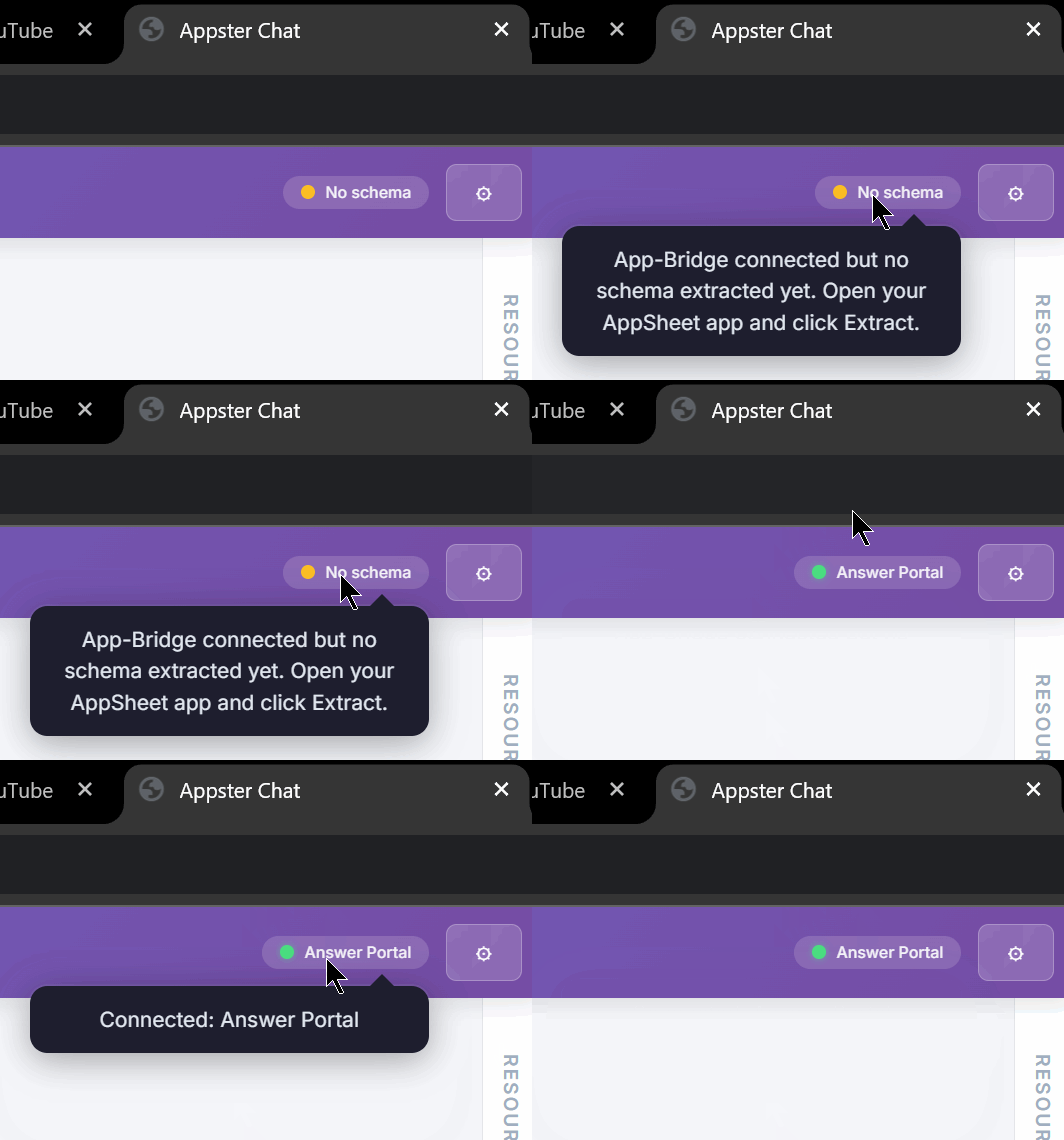
3. Chat — Switch to Appster Chat. It already knows your app.

Two ways to use App-Bridge
Item | Built-in LLM Chat | With Appster Chat |
|---|---|---|
Install | Free | Free |
Extract your schema | ✓ | ✓ |
Schema version history | ✓ | ✓ |
Export formats (Full, LLM Optimized, Docs) | ✓ | ✓ |
Built-in AI chat (your own API key) | ✓ | ✓ |
AI provider choice (OpenAI, Claude, Gemini) | ✓ | ✓ |
AppSheet-specific expertise | ✗ Generic prompt | ✓ Purpose-built since 2023 |
Advanced schema tools for AI | ✗ | ✓ Full toolkit |
Automation chain inspection | ✗ | ✓ |
Curated AppSheet guides & resources | ✗ | ✓ |
Multi-thread conversations | ✗ | ✓ |
Image support in chat | ✗ | ✓ |